How to contact Facebook Support: live chat, email, and more


TL; DR: Quick Summary
- Start with the Facebook Help Center. It's available around the clock and lets you search for answers yourself, which usually beats waiting to talk to someone.
- Filing a "Report a problem" creates a record of your issue, though you might wait a while and the ticket can close without a full resolution.
- Live chat with an Ads Specialist is the fastest way to reach a real person, but you need to be an eligible business advertiser and it isn't available everywhere.
- Email support handles specific cases like intellectual property or legal requests, but replies are rare, so use it only when nothing else works.
- The Meta AI business assistant is free for all Meta advertisers and troubleshoots problems and analyzes performance on the spot, passing you to a human only when needed.
- Meta Verified is a paid subscription that adds a verified badge, impersonation protection, and a faster support route.
Facebook Support is the set of channels Meta offers to help users and businesses fix problems, from the self-service Help Center and the “Report a problem” form to live chat for eligible advertisers, the Meta AI assistant, and paid Meta Verified support. The fastest route depends on your account type and your issue.
You’re not the first to hit a problem on Facebook and wonder how to reach a human. With over 3.07 billion monthly active users, Facebook runs several support systems. As a Meta Business Partner, we deal with its business support infrastructure regularly, so here’s what actually works.
As a Business Service Provider (BSP), SleekFlow can’t access or manage personal Facebook accounts. For personal-account help, contact the Facebook support team directly.
Types of Facebook Support
Facebook offers several ways to get help. Here’s how they compare:
1. Facebook Help Center
The Facebook Help Center is the first stop for common issues. Open it from the Help Center option in Facebook’s menu, then search with specific keywords. If your Facebook ads aren’t running, for example, search “Facebook ads not working” or “Facebook ad error” to surface relevant guides. There are also dedicated sections for Account Settings, Login and Password, Privacy and Security, Marketplace, Groups, and Pages.
2. Report a problem
When you report a problem to Facebook, give a clear explanation and attach any evidence or screenshots. Include:
A clear description of the problem you’re experiencing
When the problem started
Whether it’s ongoing or intermittent
Any error messages or codes you’ve received
Any steps you’ve already taken to resolve it
Reporting a problem doesn’t guarantee a fast fix. It usually takes a while, and the ticket is sometimes closed without a solution. Track your submission under Settings, then Support Inbox.
How to access it:
Log in to your Facebook account.
Click your profile icon in the top right corner.
Click “Help & support,” then “Report a problem.”
Choose “Something went wrong.”
Click “Include in report” to send your activity log, which helps with diagnostics.
Select a category and add a description with screenshots or videos, which helps Facebook resolve it faster.
3. Facebook Support live chat
Facebook launched live chat support for advertisers back in 2021. By clicking “Get Help” on the Facebook for Business site, eligible advertisers can chat and screen-share with a trained Ads Specialist for quick answers.
Go to the Facebook for Business Help page.
Scroll to the “Still Need Help?” section and click the Chat button.
Select your issue category: Policy and Account Security, Billing and Payments, Ad Management Tools, Ads, or Measure and Improve Results.
If you don’t see the live chat options, it may not be available in your country, or your Facebook Business account may not be eligible. It’s generally limited to certain business accounts with active campaigns.
4. Facebook Support email
You can also email Facebook Support, though most people rarely hear back. Treat email as a last resort for specialized requests.
5. Facebook Community
The Facebook Community is a forum and resource hub for building communities on Facebook. It’s useful for help with Facebook Groups, online events, community chats, and more.
6. Meta AI support assistant
The Meta AI business assistant is a chat-based tool that answers your questions and helps fix account problems without the usual wait. As of April 2026, it’s free for every Meta advertiser through Ads Manager, Meta Business Suite, and Business Support Home.
Here’s what it can sort out on the spot:
Account troubleshooting. When something breaks (your pixel stops firing, your account gets disabled, your spend stalls), it walks you through each step, often without a support ticket.
Performance analysis. Ask it to review a recent stretch of campaign data and it returns clear, structured recommendations.
Industry benchmarking. It compares your key metrics against similar businesses in your field.
Multilingual help. It speaks English, Spanish, French, German, Portuguese, and Mandarin, among others.
Keep expectations grounded: it’s strong at analysis, benchmarking, and troubleshooting, not creative strategy. Think of it as a fast first line of support that only escalates to a human when it has to.
7. Meta Verified support
If standard support feels too slow, Meta Verified is a paid subscription that adds a step up in support on top of the verified badge. It centers on verification, impersonation protection, and more direct support access. Here’s how it compares to free support:
8. Use resources from official pages
Facebook runs official Pages for different topics:
Meta for Business: news, tips, and best practices for meeting your business goals.
Facebook and Privacy: guidance on privacy in a digital age.
Developer Community Forum: a space for developers to discuss Meta-related issues.
Engineering at Meta: technical news on how Meta solves large-scale challenges.
Design at Meta: a community of product designers, content designers, and researchers.
Meta Pro Team: support experts offering marketing consultations for small businesses, though only certain eligible business accounts can reach them. You can message the Page, but if live support isn’t open to you, you’ll usually get automated replies.
How Nuclio Digital School worked with the Meta Pro Team
Nuclio Digital School, which offers technology Master’s degrees in Madrid and Barcelona, struggled with limited insight into prospective-student journeys, relying on assumptions from CRM Instant Forms that made precise, personalized marketing hard.
Working with the Meta Pro Team, Nuclio integrated its CRM with Meta’s Conversions API (which securely shares customer conversion data with Meta’s servers), giving Meta’s machine-learning models richer historical lead data to identify and target prospects more likely to convert. Per Meta’s case study, Nuclio:
Increased qualified leads by 18%
Reduced unqualified leads by 20%
Cut customer acquisition cost by 22.7%
Realistic timelines per channel
Before you reach out, get a realistic sense of how long each channel takes. A lot of frustration comes from expecting a fast reply through a slow channel.
Run your Facebook conversations at scale with SleekFlow
Everything above is about getting help when something breaks. But a lot of the problems businesses bring to support (missed messages, overflowing inboxes, lost leads) aren’t really Facebook problems. They’re scaling problems, and the right tools solve them.
Rather than waiting in queues, you can build a customer engagement operation that runs smoothly by design:
Unified inbox that pulls Messenger, Instagram, WhatsApp, and more into one screen, so you never lose a conversation across scattered apps.
Comment-to-message automation that turns public engagement on your Facebook posts into private, sales-ready conversations, with no manual effort.
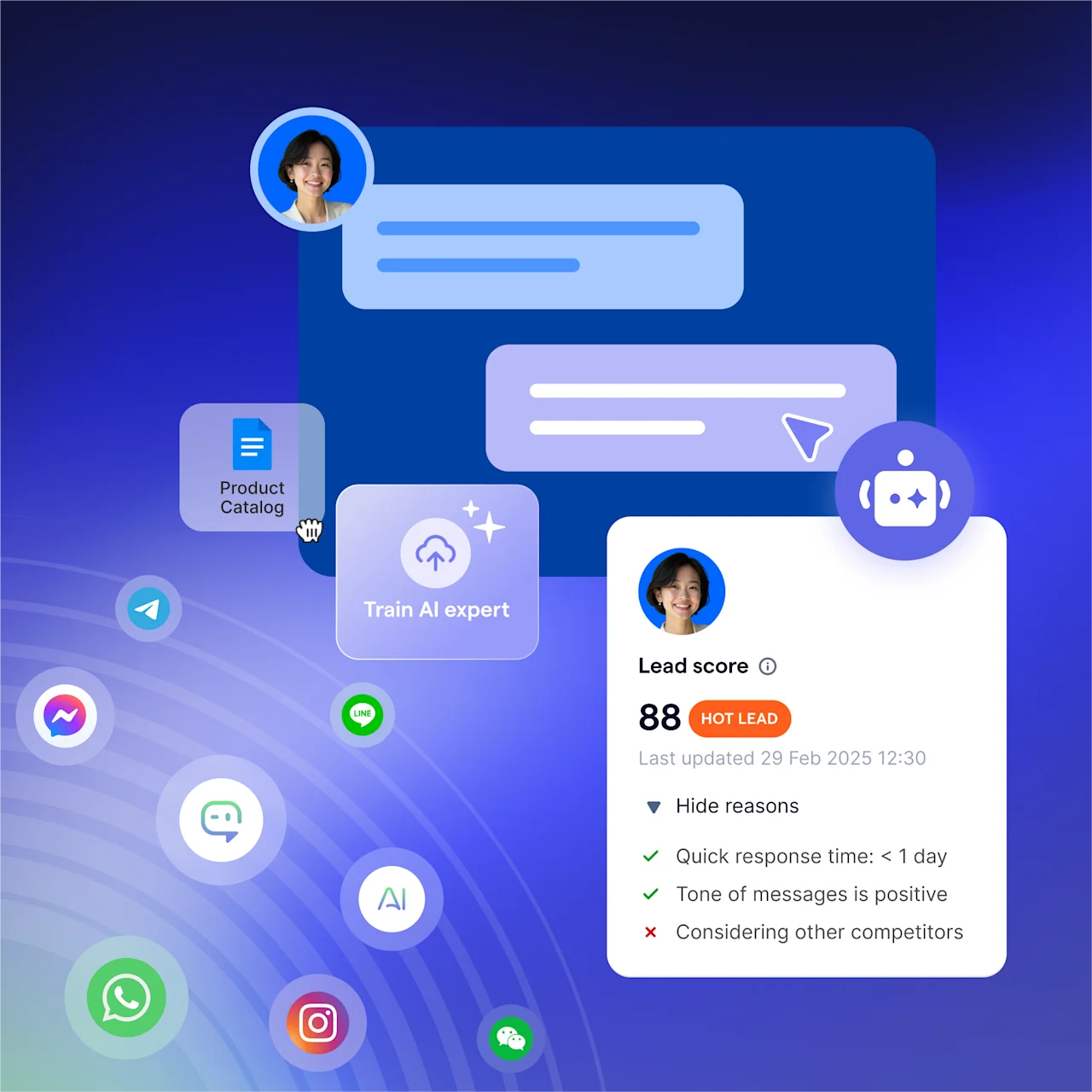
AgentFlow that lets B2C brands build, optimize, and scale inbound AI agents to qualify leads, book meetings, complete purchases, and resolve support requests.
CRM and commerce integration that syncs conversations with Shopify, Salesforce, and HubSpot, and lets you share catalogs and payment links right in the chat.
Broadcast campaigns that send targeted messages to segmented audiences at scale, turning one-way announcements into conversations.
Analytics that gives your team full visibility into conversation performance, agent activity, and customer trends.
As a Meta Business Partner focused on business messaging, SleekFlow helps businesses run on Facebook at scale instead of wrestling with native limits. The real shift is in mindset: instead of asking “How do I get Facebook to fix this?” you start asking “How do I run my conversations so well these problems never come up?”
How Animes-Pro managed inquiries across channels with AI
Animes-Pro, a Hong Kong toy and anime retailer with 14 branches, serves serious collectors who need detailed product information and fast replies. A single staff member handled 80 to 200 daily inquiries across WhatsApp, Facebook, and Instagram, causing delays with logistics, inventory checks, and after-sales service.
SleekFlow’s WhatsApp Business API unified those channels into one inbox and added automated workflows: AI intent recognition for initial sorting, routing to specialized agents, and automated case-status labeling for follow-ups.
Inquiry handling time reduced by up to 50%
Steady annual e-commerce sales growth of at least 10%
Start for free!
Grow your revenue and turn chats into conversions with AI agents. Try SleekFlow for free, forever.


