CRM for small businesses: The complete guide to growth and customer relationships


If you're a small or medium business (SMB) owner, you know that growth is all about relationships. You probably remember every customer's name, their favourite order, and that one tricky support issue they had last year. But as your business grows and your WhatsApp enquiries start flooding in, those details can get lost. This is where a Customer Relationship Management (CRM) system comes into play.
What is a CRM and why does it matter?
CRM, or Customer Relationship Management, is software that helps you track, manage, and nurture customer interactions across every touchpoint. For many years, the perception was that only large corporations used CRM. However, many small businesses are becoming increasingly aware of the need to manage their customer data. A HubSpot survey found that 91% of companies with 10 or more employees utilise a CRM system, and 78% of sales leaders report that their CRM effectively enhances alignment between sales and marketing teams.
Why your business needs a CRM
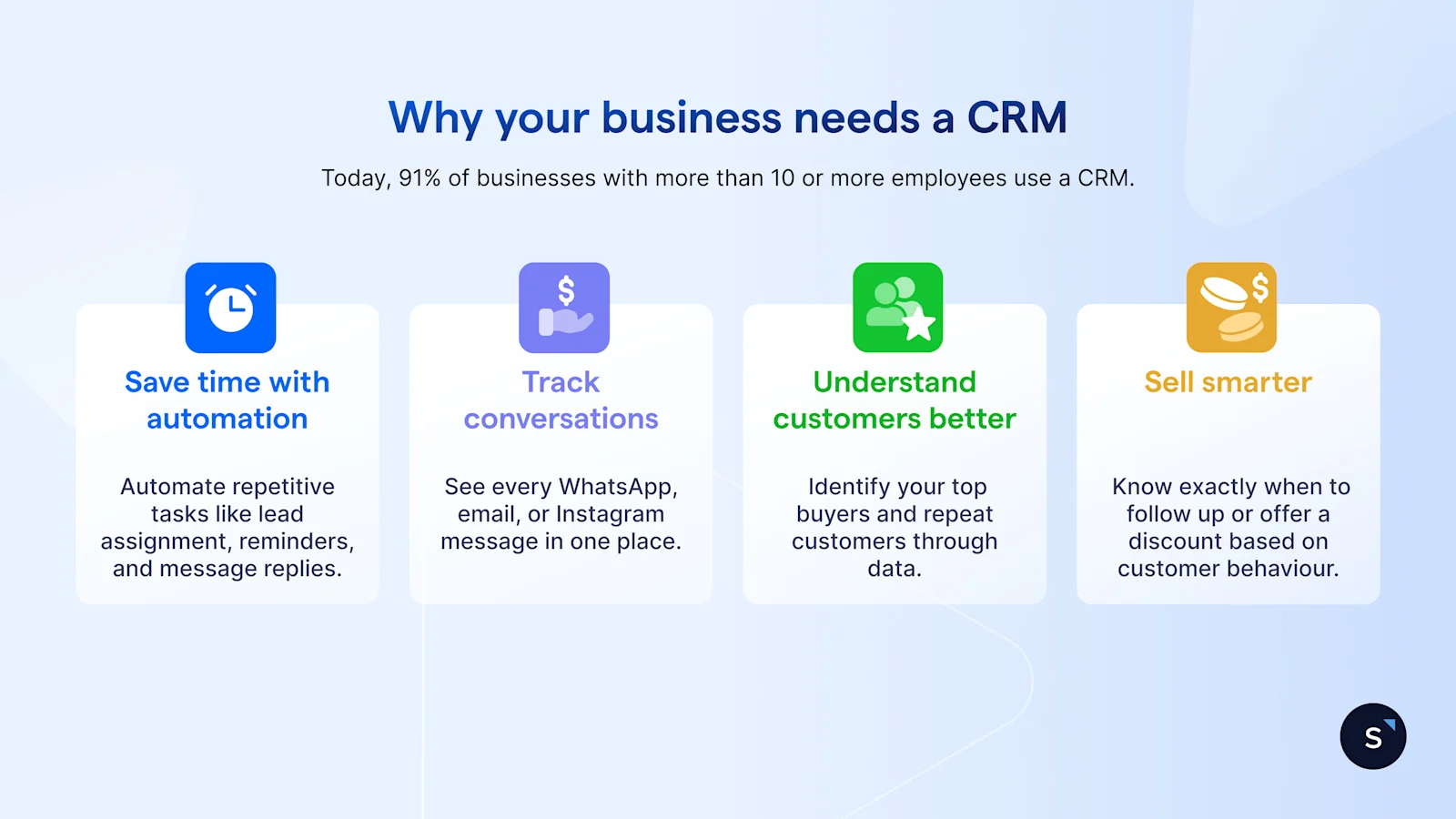
Many small business owners resist using a CRM because they think it's too complicated or too expensive. In reality, not having one is the most costly mistake you can make. Here is why it's time to move beyond manual processes and start growing smarter.
Save time through automation: Stop wasting hours on repetitive, low-value work. A CRM allows you to automate tasks like lead assignment, sending follow-up reminders, and handling standard message replies. This frees up your small team to focus on closing deals and serving customers.
Track every conversation: Your customers talk to you everywhere—WhatsApp, email, Instagram, Facebook Messenger. A CRM brings every single interaction into one shared, clear timeline. No more searching through different apps; you see the full interaction history in one place.
Understand your customers better: Stop relying on guesswork to manage your most important asset. A CRM helps you identify your top buyers and most valuable repeat customers by analysing their purchase history and engagement data. This allows you to tailor your service and marketing efforts effectively.
Sell smarter: A CRM gives you the insights needed to act at the perfect moment. By tracking customer behaviour, you'll know exactly when to follow up on a proposal or offer a strategic discount to nudge a hesitant prospect toward a purchase. This targeted approach boosts your conversion rate and revenue.
Key features to look for in a CRM for small/medium businesses
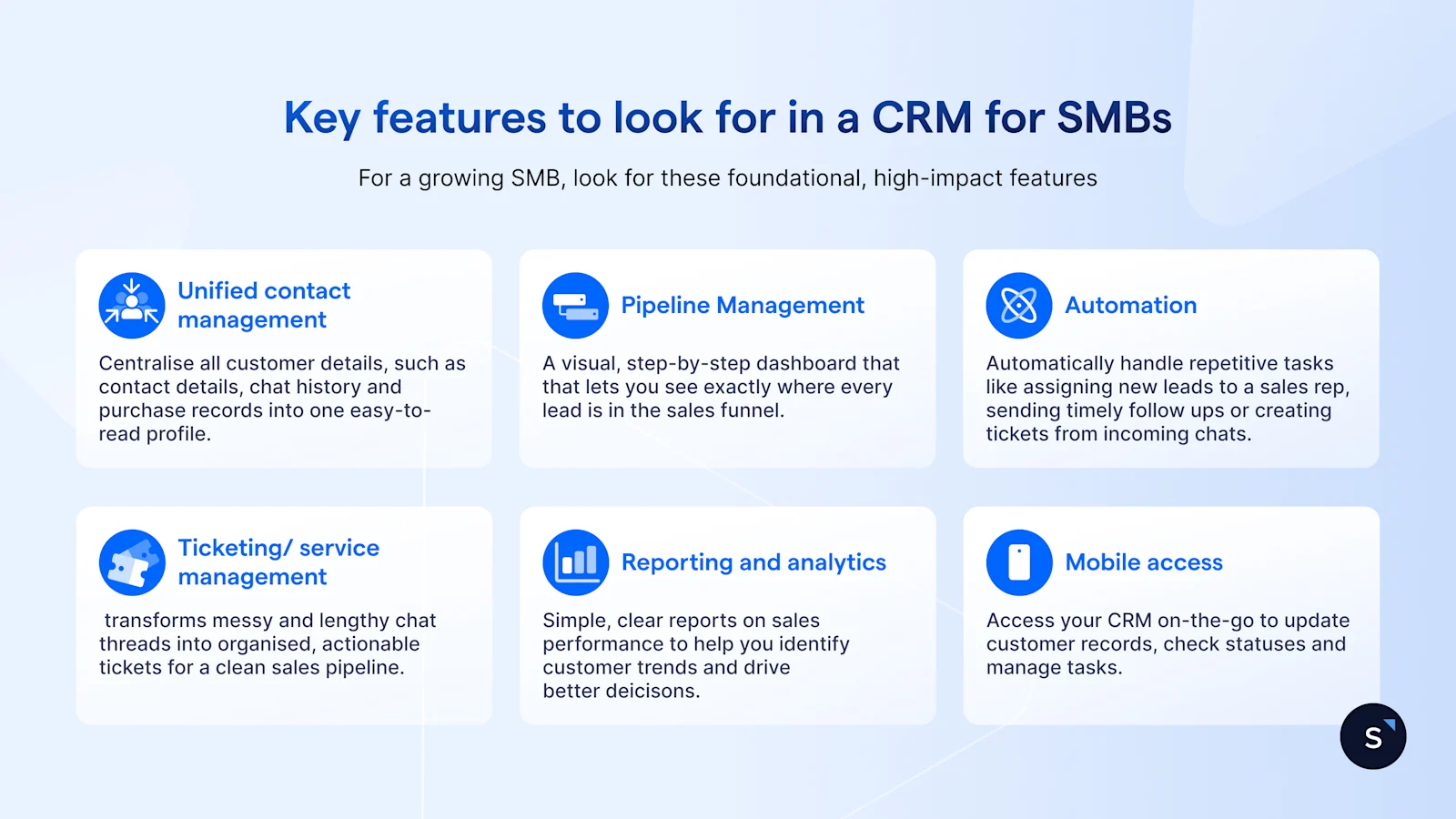
You don't need every bell and whistle that an enterprise CRM offers. For a growing SMB, look for these foundational, high-impact features that will genuinely help your business run smoothly.
Unified Contact Management: This is the core of any good CRM. It centralises all customer details—phone number, email, chat history, and purchase records—into one easy-to-read profile. No more digging through different apps to remember who you're talking to.
Pipeline management: You need to see where your money is! Pipeline management gives you a visual, step-by-step dashboard that lets you see exactly where every potential deal stands in your sales process, making it easy to focus on what to close next.
Automation: This is a huge time-saver. Automation automatically handles repetitive tasks, such as assigning a new lead to a sales representative, sending a timely follow-up email, or creating a support ticket from an incoming chat. It saves your team hours every week. Bonus points if your CRM comes with AI features, as they can further enhance this efficiency.
Ticketing/service management: Every customer enquiry matters. Ticketing transforms messy and lengthy chat threads into organised, actionable tickets that help you maintain a clean sales pipeline. With this feature, you can track requests, prioritise tasks, and measure performance, all at one glance.
Reporting and analytics: Forget complicated spreadsheets. The CRM should generate straightforward, clear reports on your sales performance and customer trends, without requiring complex formulas. You get actionable insights, not data overload.
Mobile Access: As a business owner in Singapore, you're always on the move. Mobile access allows your sales or service team to update customer records, check statuses, and manage tasks directly from their phone, even when they're meeting a client or away from the office.
How to choose the best CRM for your business
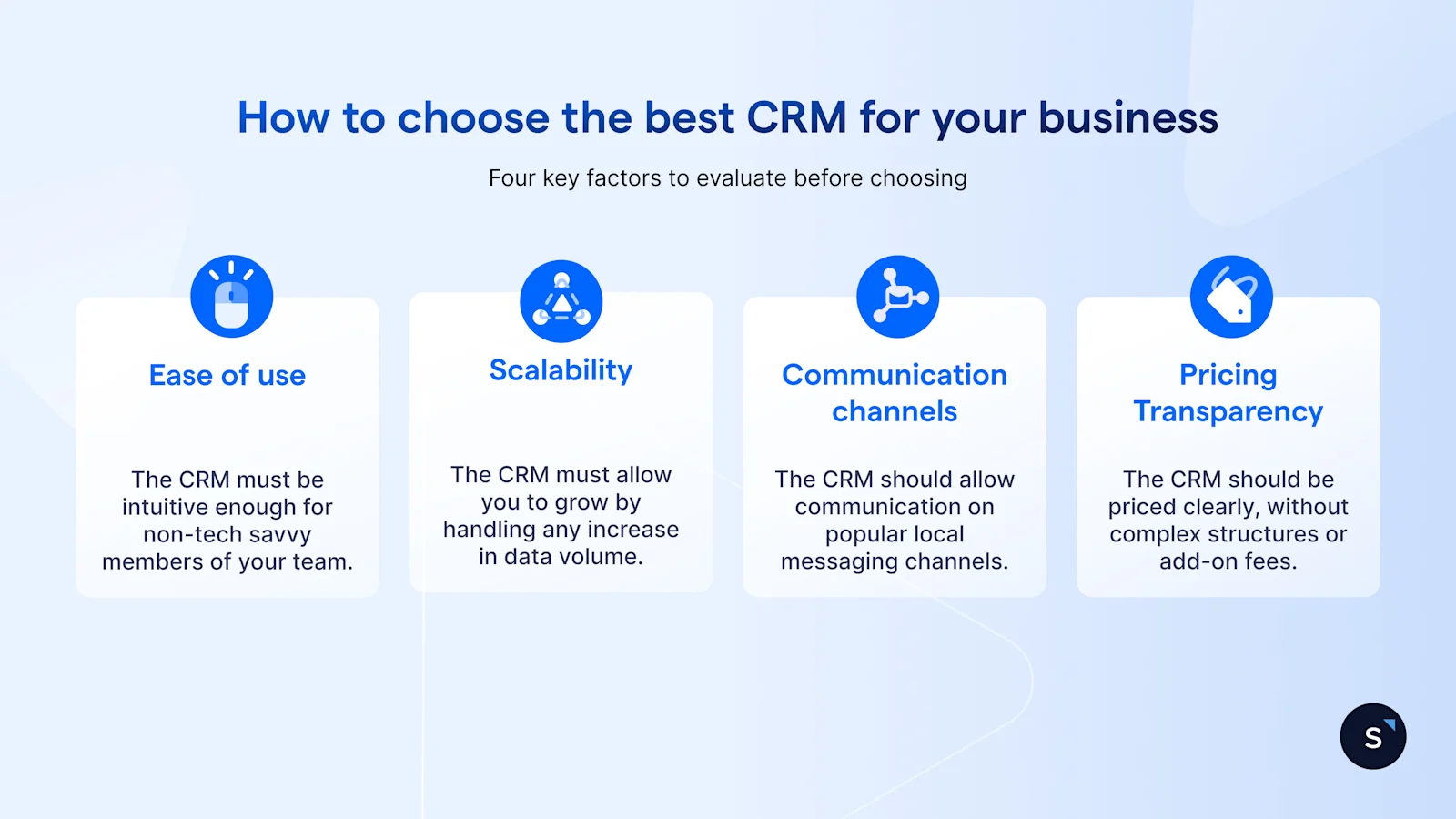
Choosing the right CRM for your local market is crucial. Here are four key factors to evaluate:
Ease of Use (user adoption): If the software is too complicated, your team won't use it. Look for a platform with an intuitive, clutter-free design. A high percentage of CRM failures is due to poor user adoption—make sure it's simple enough that your team wants to use it.
Scalability: Select a solution that is prepared for your future growth. You should be able to add users easily, integrate new channels (such as WhatsApp or Instagram, which are essential for the Singapore market), and handle increased data volume without needing to migrate to an entirely new system later.
Localised communication channels: For Singapore and Southeast Asia, communicating on channels like WhatsApp, Instagram Direct, and Facebook Messenger is mandatory. Ensure the CRM is built to handle and centralise these chat-based conversations.
Pricing transparency: Avoid vendors with complex, tiered pricing structures hidden behind layers of confusing add-ons. Look for transparent pricing that fits your SMB budget and grows with you predictably.
🚀 What's your CRM superpower?
Take this 2-minute personality quiz to uncover what's your hidden CRM superpower!
CRM KPIs That Matter for Your Growth
Once your CRM is running, how do you know if it's working? Focus on these four KPIs that directly impact your revenue:
Lead Conversion Rate (LCR): The percentage of leads that convert into paying customers.
Customer Retention Rate: The percentage of customers who keep coming back.
Sales Cycle Length: The average time it takes from first contact to closing the deal.
Response Rate / First Response Time: How quickly you respond to an inbound customer query. This is where modern features truly shine, and CRMs equipped with AI Agents can dramatically lower your first response time by instantly handling common queries.
Real-world use cases of how SMBs grow faster with CRM
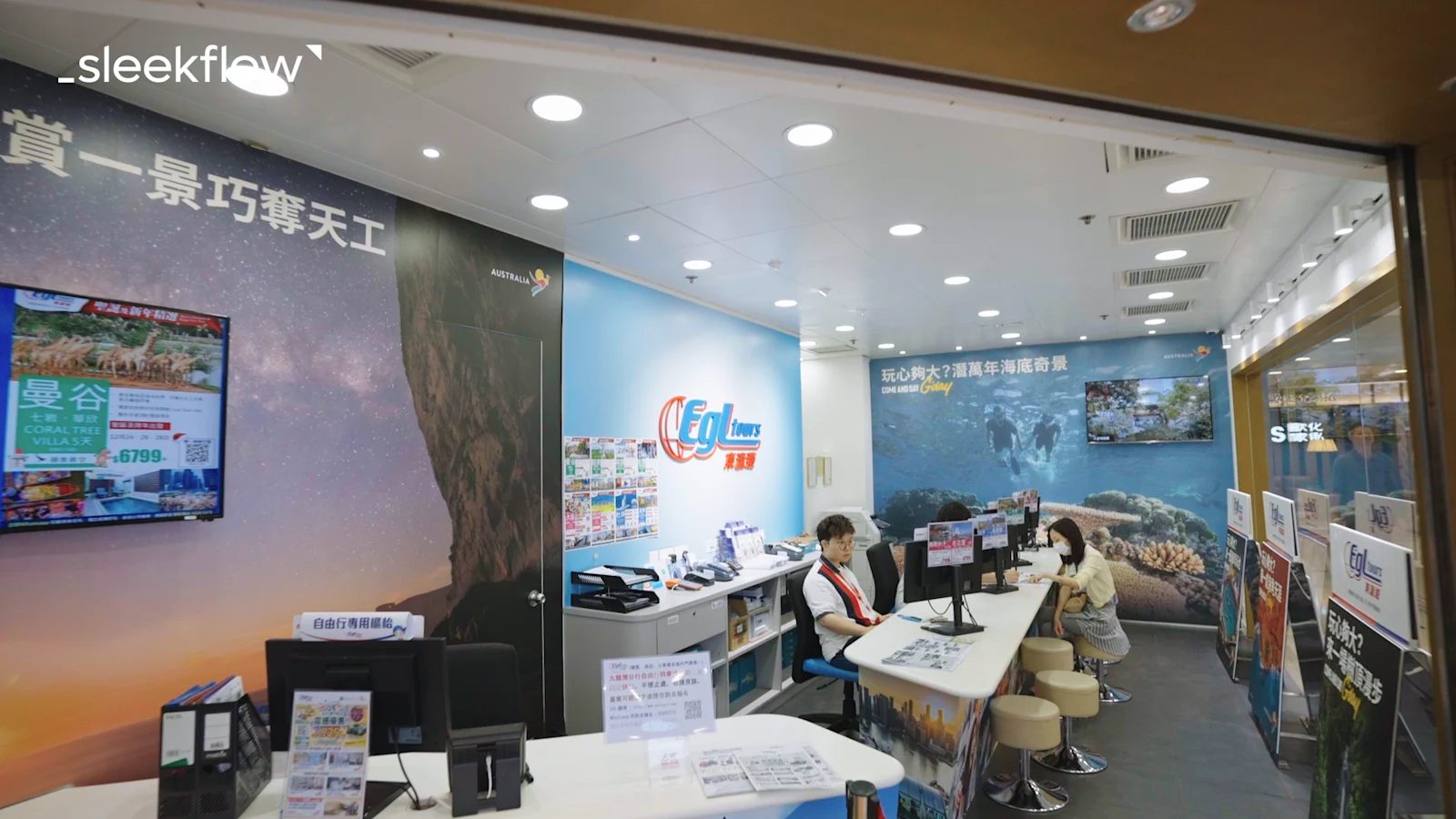
EGL Tours, a travel agency in Hong Kong, faced an overwhelming number of online enquiries across multiple channels, which was too much for their team to handle manually.
By implementing SleekFlow, they centralise all communications and automate customer triage, dramatically reducing their response times that could take as long as two working days. By utilising SleekFlow's Social CRM features, they were able to send highly targeted promotions via WhatsApp Broadcasts tailored to customer profiles, achieving conversion rates of over 30% on some campaigns.
Ultimately, this more innovative, more efficient approach led to a 30% increase in overall sales, with 70% of those sales attributed to their WhatsApp channel. Read EGL Tours' CRM success story here.
Why SleekFlow is the best CRM for small and medium businesses
SleekFlow surpasses traditional CRM by integrating sales, marketing, and customer support into a single, easy-to-use platform.
With SleekFlow, you get:
Omnichannel inbox: Manage WhatsApp, Instagram, and Facebook messages in one place.
AI Agents: Automate FAQs, qualify leads, and respond instantly to customers, even after hours.
Broadcast messaging: Send personalised WhatsApp campaigns to hundreds of customers at once.
Ticketing system: Track and resolve support issues efficiently.
Analytics dashboard: Monitor KPIs like conversion rates, engagement, and response time in real time.
Additionally, SleekFlow offers a 7-day free trial of the Pro Plan, allowing you to start building better customer relationships today— no credit card required.


